Think with Google: Data Gallery
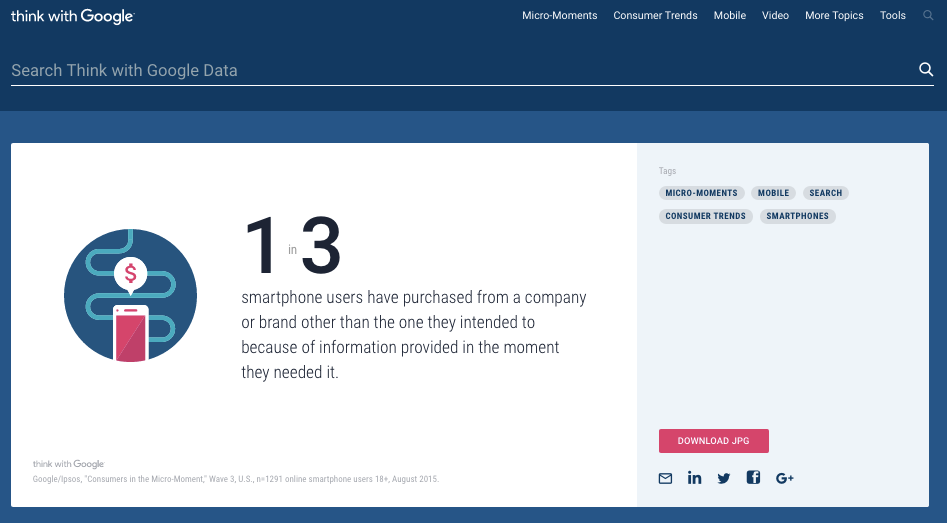
Think with Google, Google’s publication for marketing professionals, always published articles based around compelling, data-driven insights. However, that data often only appeared in the body of an article, and in support of an article’s topic. To help give this data a broader appeal, Google created the Data Gallery, a destination for marketers seeking data to understand consumer behavior. The Gallery contains easily understood data points in a branded, stylized format, ready to be dropped straight into strategists’ decks.
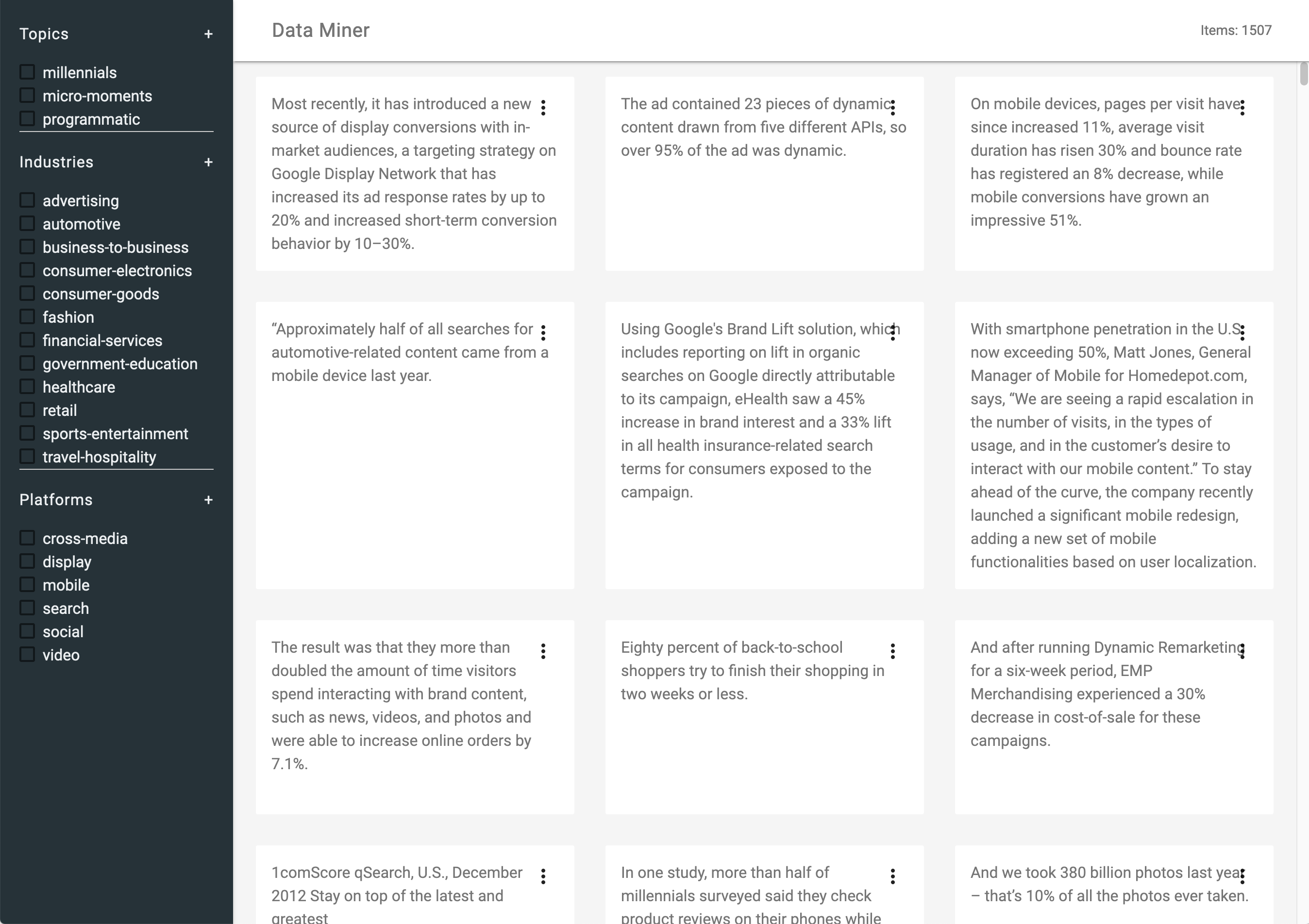
To plan for the level of effort for content creation and curation, I wrote Python scripts to identify data points in existing Think with Google longform articles, and extract them into a structured format. After creating this dataset, I used it to estimate labor and resourcing to create the final set of content the product would launch with. I also used this dataset as the backbone of a web-based prototype, that allowed the team to test and demonstrate the implicit facets based on the source content. This prototype shaped the product design, and the content planning. By having this prototype in hand before detailed design even began, we were able to validate some key assumptions about the amount of content we’d have, and the kinds of search functionality that would most effectively surface data. In a structural sense, the final product bore a striking resemblance to this prototype.
At launch, the feature received significant attention, including #1 product of the day on Product Hunt. Following the launch of the Data Gallery as a discrete product, Google rolled the functionality back into Think with Google’s site search, allowing users to find data and stories through the same search activities.
Agency: Huge. Activities: product design, prototyping, content strategy.